
Start from a ready-made card
Pick a game and a picture. Add your greeting and message.
Browse ready-made cardsTurn their favorite things into a card they’ll love to play.
Free to make and send · Plus adds photos, drawings and AI

Loading the sample…
Pick a game and a picture. Add your greeting and message.
Browse ready-made cards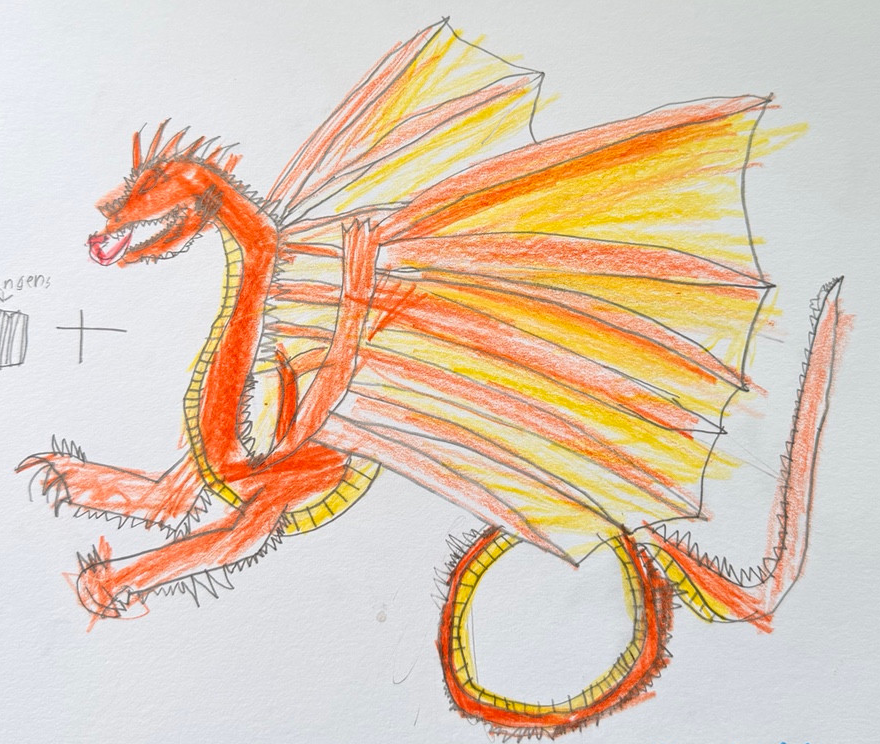
Use your photo or a photo of their drawing. Or ask AI for a picture.
Make it personalPhotos, drawings and AI with Plus. See pricing.
Their face, their drawing, their favorite things. A card made just for them.

A favorite face becomes a Jigsaw or Picture Slide.
Turn a photo of their paper drawing into a puzzle.

Describe it, check what AI made, and choose what to keep.
Plus: $4.99 USD monthly or $35.88 USD yearly. See plans.
AI usage limits apply. Picture examples shown above.

Send a link by text or email, or print the card with a QR code.
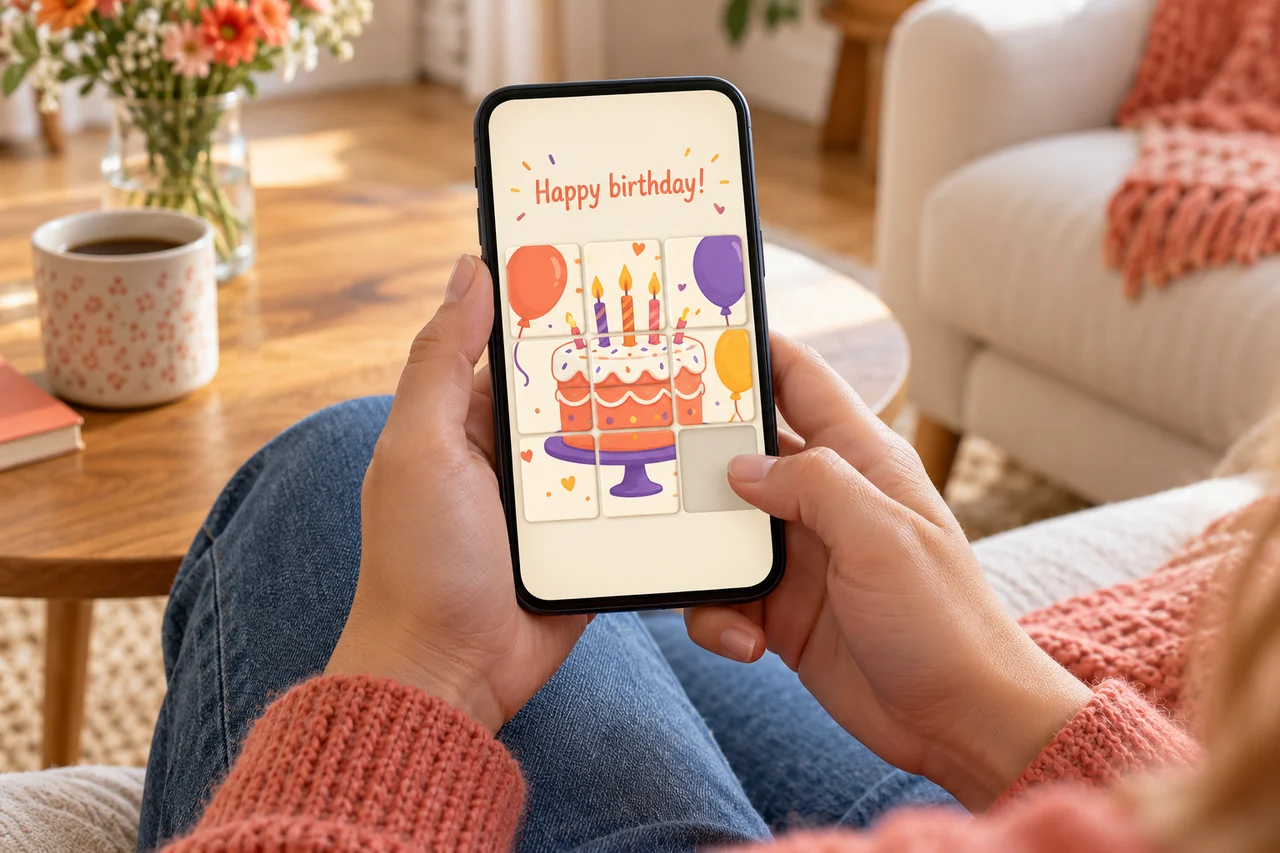
Pick a game and a ready-made starter, add your message, then try it. When you’re ready, share a link or print the card with a QR code.
Making and sending cards is free. Plus unlocks photo and drawing cards, AI help and more game types. See pricing.
Make and edit your playable card without signing in. Create a free account when you’re ready to share, so you can return to your cards or unshare them. Recipients don’t need an account to open a card link.
Anyone who has the link or QR code can open the card without signing in and pass the link on. Share only details you’re comfortable showing.
From your account, open My cards, open the shared card and choose Unshare card. This stops new opens of that link. It won’t erase screenshots, copies, or a page someone already loaded.
From your account menu, choose Report a problem. You can also email support. Include a short description and leave out private details.
Start with a game. Make it yours.